
You just finished editing a promo video for your bakery’s new pastry line, but the free stock track sounds like every other ad on Facebook. You do not have a composer on speed dial, and you cannot spend a week learning music software before your product launch. This is a familiar problem for small business owners in the Philippines who need original audio fast, without hiring a studio or a full production team. A Song Maker App built for phones can solve this in a way that fits a busy entrepreneur’s schedule.
The Real Cost Of Skipping Custom Audio
Generic background music is easy to grab, but it comes with hidden risks. Copyright strikes on social platforms can pull down a video right when it is getting traction, which hurts a launch that took weeks to plan. Many small business owners also reuse the same three or four free tracks, so their ads start to sound identical to competitors in the same feed. A short, original track built around your brand mood avoids these problems and makes your content easier to recognize.
Beyond copyright issues, generic tracks also send the wrong message about a brand. A shop that sells handmade goods loses some of its personal feel when the background music sounds mass-produced and borrowed. Customers notice these small details even if they cannot explain why an ad feels flat, and a distinct sound can quietly reinforce the identity you are trying to build.
How A Mobile Music App Fits Into A Small Team’s Day
A shop owner rarely has a dedicated editing station. Most work happens on a phone between customer calls, deliveries, and inventory checks. This is where a mobile-first tool changes the workflow, because you can describe a song idea while waiting for a supplier and generate a draft before your coffee gets cold.
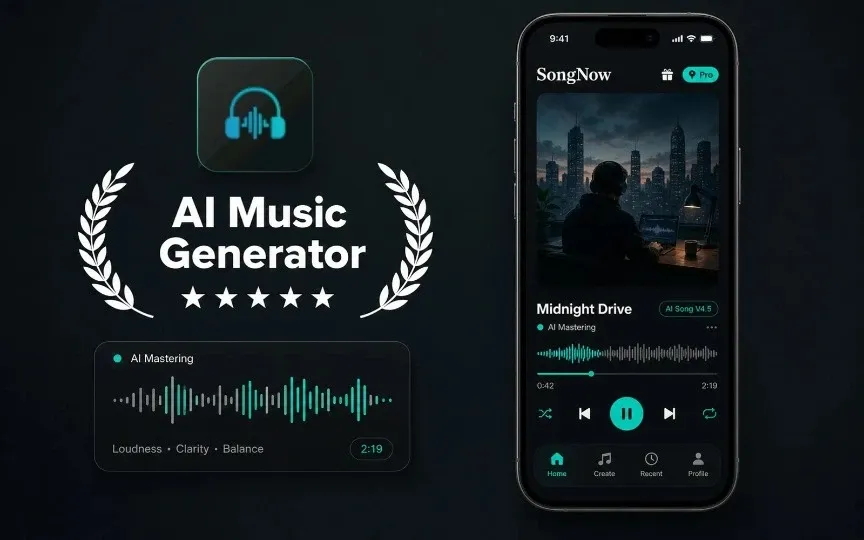
- Describe The Mood You Want — Instead of learning music terms, you type a plain description, such as an upbeat tune for a weekend sale or a calm track for a wellness product. The app turns that description into lyrics, melody, vocals, and arrangement, so a first version is ready in minutes.
- Adjust Genre, Tempo, And Voice — Once the draft is ready, you can tune genre, mood, voice, and tempo until the track matches your brand energy. A pasta shop promoting a family dinner deal might want something warm and slow, while a gym might prefer something faster and louder.
- Edit The Track For Different Platforms — The same base song can be trimmed, extended, or turned into a vocal-free version for voiceover ads. A 15-second reel needs a different pacing than a 60-second YouTube pre-roll, and rebuilding a track from scratch for each platform wastes time you do not have.
A Realistic Use Case For A Small Retail Brand
Picture a small clothing brand in Cebu preparing for a weekend sale. The owner needs three things fast: a hook for TikTok, a longer version for Instagram Reels, and a quiet instrumental for in-store speakers. Instead of contacting three different freelancers, the owner opens SongNow App on a phone, types a short prompt describing the sale mood, and generates a base track. From there, the same idea gets extended for Instagram and stripped of vocals for the in-store version. What used to require multiple people and several days of back-and-forth now happens in one sitting.
This same pattern applies to service businesses too. A local yoga studio might need calm background audio for its website, and a food delivery brand might need a short jingle for its app notification sounds.
A small restaurant chain could take this further by creating a signature intro sound for every location’s social account, so customers recognize the brand the moment a video starts, even before the logo appears on screen. That kind of consistency used to require an agency contract, but now it can start with one afternoon of testing prompts on a phone.
Common Mistakes When Business Owners Try AI Music Tools
A few missteps show up often among first-time users:
- Writing prompts that are too vague, such as “good music,” instead of describing genre, mood, and pace clearly.
- Skipping the refinement step and publishing the very first draft without adjusting tempo or voice.
- Ignoring the difference between personal use and commercial use, since plan terms can affect how a track may be published.
- Forgetting to keep project files organized, making it harder to reuse a good track later.
- Trying to fit too many moods into one track instead of creating separate short versions for each platform.
Most business owners find that after two or three tries, describing a mood in plain words becomes second nature.
What This Tool Cannot Replace
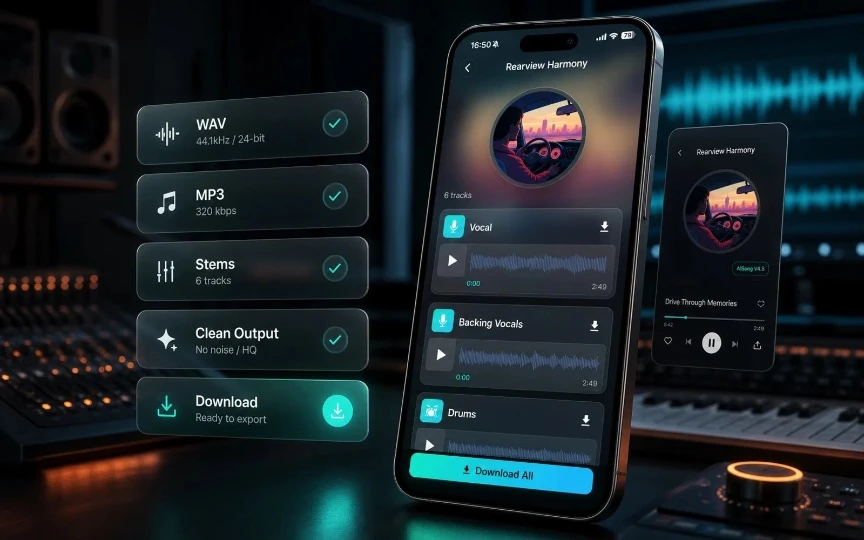
A mobile music app is built for fast, practical tracks, not for replacing a trained composer working on a full album or complex film score. Commercial rights, export quality, and available features can vary by plan, so it is worth checking terms before using a track in a paid campaign. A quick way to judge fit is to ask two questions: does this track need to carry a brand feeling across many videos, and does the timeline leave room for a freelancer instead? If the answer to the first is yes and the second is no, a mobile generator is usually the faster path. Business owners running seasonal promotions often reuse the same base track with small tempo changes for weeks of content, keeping the brand sound consistent without extra cost each time.
Choosing Your First Use Case
Start with one small, low-pressure project rather than your biggest campaign. A short intro jingle or a background track for a single product carousel gives you room to experiment. Once you understand how prompts translate into finished tracks, moving to bigger projects becomes easier. Save every prompt that produced a track you liked — over time, this becomes a personal style guide you can reuse whenever a new campaign needs a similar feel.
Conclusion
Custom background music used to feel out of reach for small business owners juggling every part of their operation alone. A phone-based tool that turns a short description into a usable track changes that, letting an entrepreneur produce audio for ads, reels, and in-store playlists between everyday tasks. If your next launch needs a track that actually sounds like your brand, it might be worth trying one small project first and seeing how it fits your workflow.