
MAC address lookup plays a vital role in many IT and networking fields. It helps professionals ensure the security of the devices and resolve performance issues.
To do this process, one must find reliable MAC address lookup tools that can do the job quickly and efficiently. However, due to the plethora of tools and resources available on the internet, finding the right options is quite time-consuming.
This is why we came up with this post: to help you out with your network management by discussing the top 5 MAC address lookup tools. We will examine their key features, pros and cons, and a working example to provide you with a comprehensive overview.
Why MAC Address Lookup Tools Matter
MAC address lookup tools are quite essential for users. They allow IT professionals and network managers to perform many tasks with ease, like identifying the manufacturer associated with a MAC address. Or troubleshoot network connectivity issues by pinpointing specific devices.
The tools can also help network managers manage device inventories effectively by noting down all their details.
Lastly, the MAC address lookup tools provide a fast way to implement network security measures like MAC address filtering and find unauthorized access in systems.
When it comes to working, every tool has a unique approach to completing these tasks. To ensure you choose the best one for your specific needs, we’ll provide a comparison of all their features and performance.
5 Best MAC Address Lookup Tools
After learning why MAC address lookup tools matter, it is time we review the top 5 best options, according to our testing and experience.
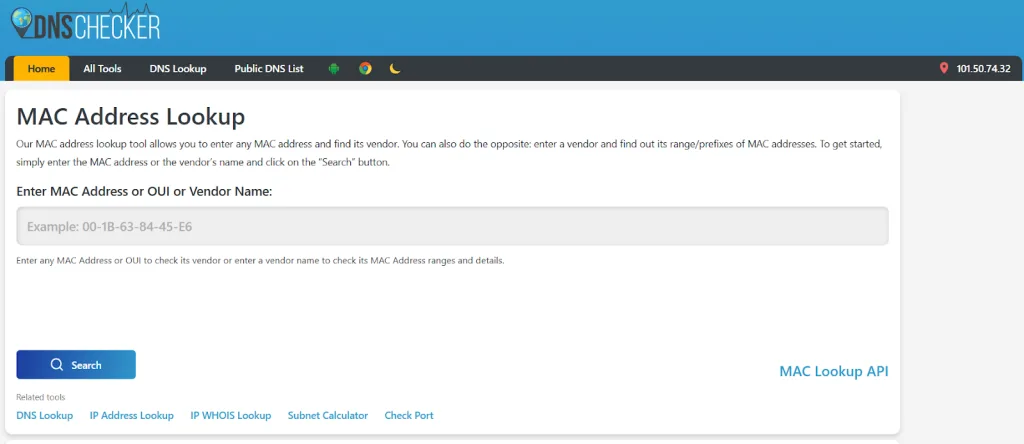
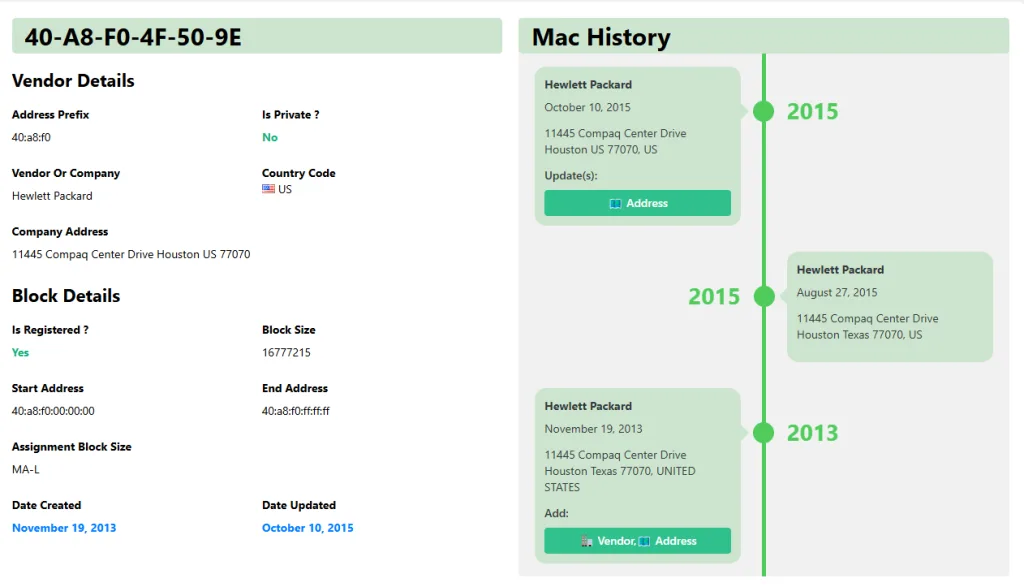
The DNSChecker’s MAC Address Lookup tool is a top option for anyone seeking precision and efficiency in their tasks, especially in networks with high demands for connectivity and security.
Features:
- Fast Functioning: Quickly identifies vendors/manufacturers from MAC addresses or OUI.
- User-friendly Interface: A Comprehensive and user-friendly interface for seamless navigation.
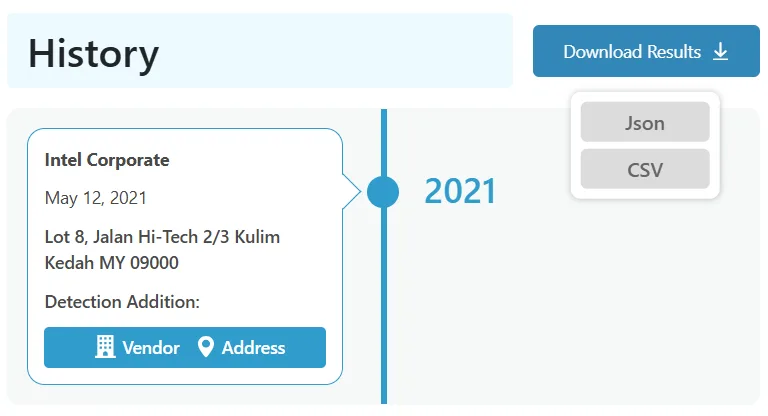
- Download Results in Multiple Formats: Access lookup results in JSON or CSV formats for easy documentation and analysis.
Pros:
- Offers detailed outputs, such as address prefixes, vendor names, and more.
- Works on multiple devices.
- Accurate database lookup.
Cons:
- It features a lot of ads.
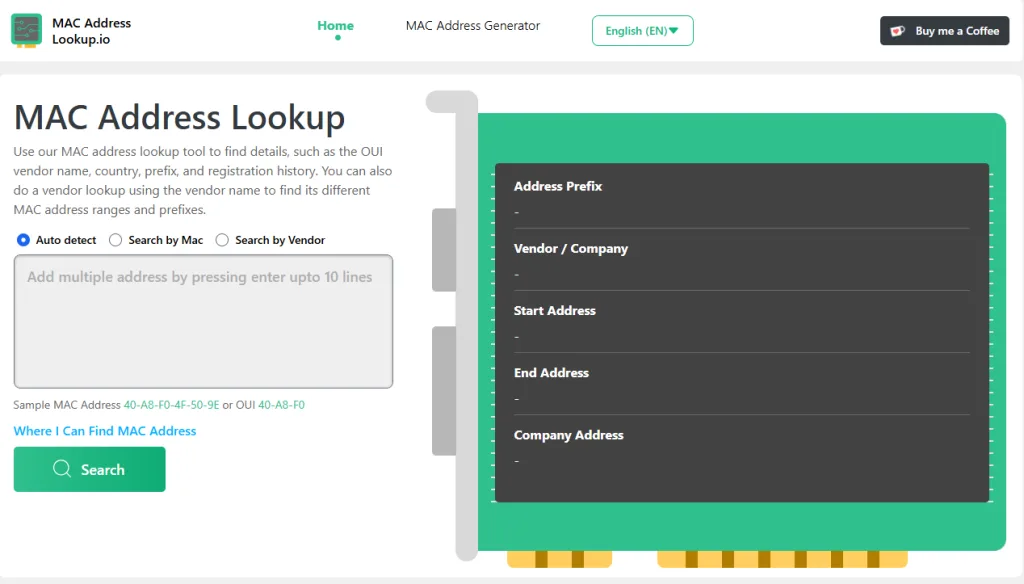
Macaddresslookup.io is an ideal option for enterprises requiring automated device tracking in large-scale networks. It is also suitable for cybersecurity experts investigating network vulnerabilities in a system.
Features:
- Extensive Vendor Database: Get access to the MAC vendors database (on order).
- Offers Various Downloadable Formats: Receive data in JSON, CSV, XML, and Cisco formats.
Pros:
- Comprehensive data coverage for a wide range of MAC addresses.
- API compatibility enables automated processes in enterprise-level systems.
- Regular database updates ensure fresh and reliable data.
Cons:
- Advanced features like API require subscriptions.
- It may feel overwhelming for beginners without technical knowledge.
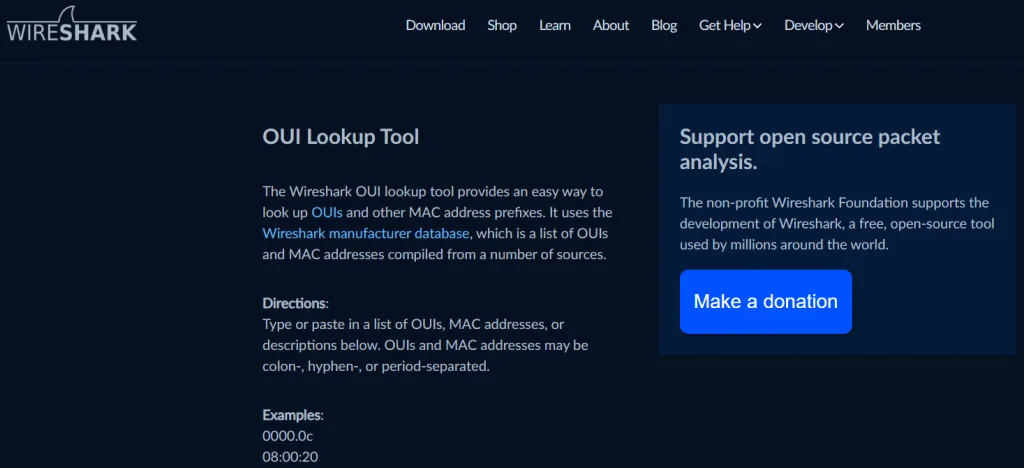
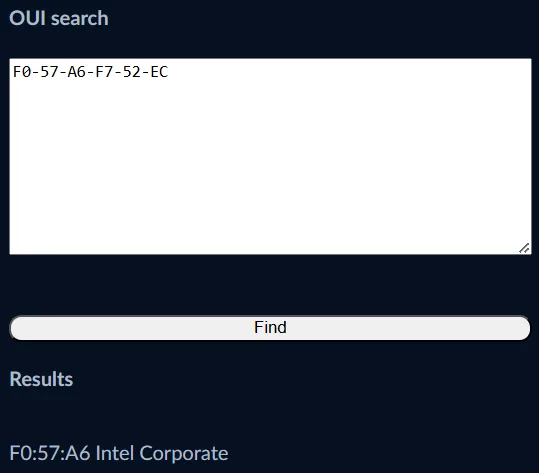
Network administrators can utilize Wireshark to diagnose connectivity issues or monitor live traffic. Security analysts can also make good use of it to track suspicious activity within a network.
Features:
- A Powerful Network Protocol Analyzer: Not only does Wireshark check protocols on your network, but it also decodes MAC addresses while analyzing data packets in real time.
- Free and Open-source Software: The tool is completely open-source, allowing easy integration into your workflow.
- Has a Lot of Community Support: The Wireshark community is very strong, providing guides, solutions, and manuals to resolve all kinds of problems.
Pros:
- Provides deep packet analysis beyond just MAC lookup.
- Helps identify unauthorized devices in a network.
- Completely free to use.
Cons:
- Requires technical expertise to utilize its full potential.
- Limited vendor information compared to dedicated lookup tools.
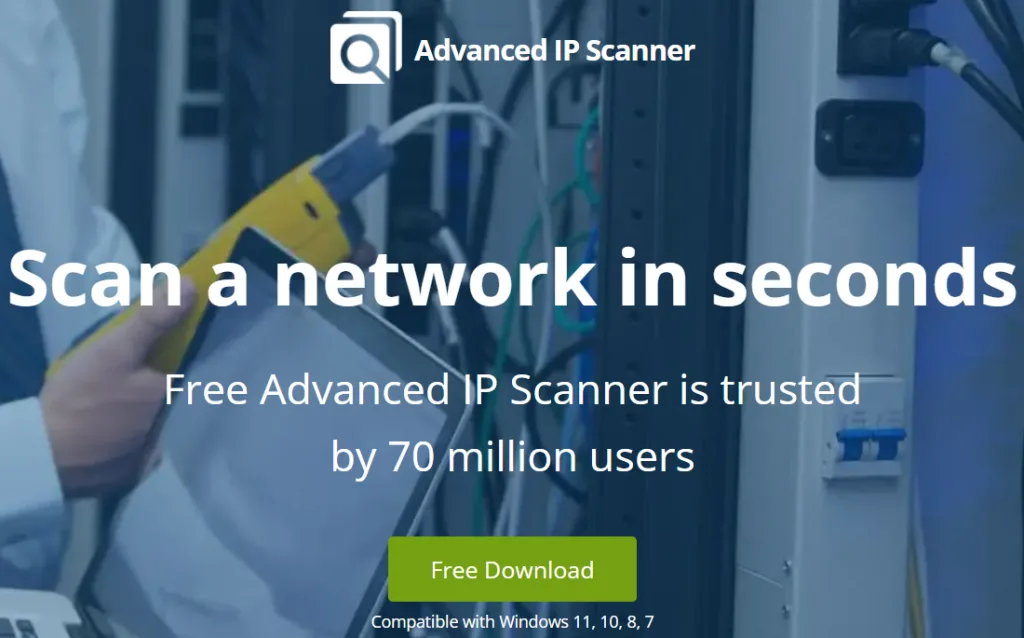
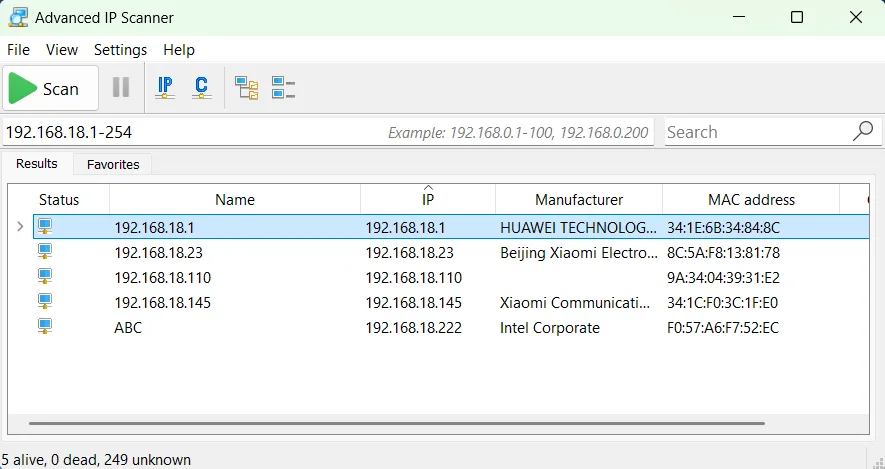
The Advanced IP Scanner can be utilized by IT support teams managing local office networks. It can also be leveraged by network administrators performing quick checks on connected devices.
Features:
- Meaningful Scans: The Advanced IP Scanner tool identifies all connected devices within a network, displaying MAC addresses along with their IP addresses.
- Integrated Remote Control: Access devices from far away through RDP and HTTPS, allowing easy device management.
- Downloadable Results: Export all the look-up data as a CSV file for easy documentation.
Pros:
- Simple interface with quick scanning capabilities.
- Includes additional remote management tools.
Cons:
- Lacks advanced lookup features like OUI-specific details.
- Limited to local network scans only.
The final tool on our list is Arpwatch. It can be used to detect unusual activity on a network. Thus, organizations concerned with maintaining network security can ensure that all their digital fronts are secured.
Features:
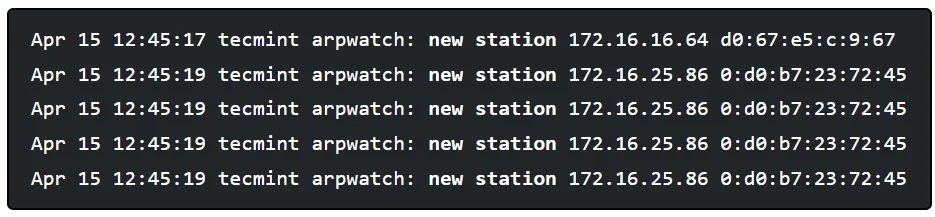
- IP and MAC address Pairings: Tracks IP and MAC address pairings of devices to monitor network activity with efficiency.
- Smart Alerting System: Sends alerts when new devices connect or MAC addresses change, allowing professionals to protect networks from cyberattacks and hijacks.
- Logging System: The tool logs all the data in its history to allow easy network audits without any problems.
Pros:
- Excellent for monitoring unexpected network behavior.
- Lightweight tool with minimal resource requirements.
Cons:
- Operating from the command-line interface may be challenging for beginners.
- Limited support for direct vendor lookups.
Credits: tecmint
Comparison Table of the Tools
Below, we have compiled the differences in features for all 5 MAC address lookup tools in a table for easy comparison.
| Feature/Tool | DNSChecker | MACAddress.io | Wireshark | Advanced IP Scanner | Arpwatch |
| Vendor Lookup | Yes | Yes | Partial | Partial | Limited |
| API Integration | No | Yes | No | No | No |
| Packet Analysis | No | No | Yes | No | No |
| Remote Management | No | No | No | Yes | No |
| Alerting | No | No | No | No | Yes |
| Beginner-Friendly | Yes | Moderate | No | Yes | No |
| Free to Use | Free | Limited Free/Subscription | Free | Free | Free |
Final Thoughts
MAC address lookup tools are a crucial addition to all IT and network experts. These utilities allow them to manage device inventories in a better manner and ensure device security.
In this post, we discussed the top five tools that we think you should consider for doing the MAC address lookup. Each offers unique features and benefits for your organization; however, choosing the best option might be a bit tricky.
Pick the tool that best suits your needs without going overboard with the features that you don’t need. As always, keep exploring more options if required.