

Starting with a CRM for the first time can feel like an overwhelming leap. Most beginners arrive at this stage after juggling leads in spreadsheets, sticky notes, or inbox folders and realizing that opportunities are slipping through the cracks. A CRM—Customer Relationship Management software—brings order to that chaos. It centralizes contact information, tracks sales opportunities, organizes tasks and activities, and automates follow-ups so you don’t lose momentum with potential customers. But not all CRMs are designed with beginners in mind. Some tools are built for large enterprises with complex processes and steep learning curves, while others focus on simplicity, clarity, and an easier path to visible results.
This comparison looks at six CRM platforms—Nutshell, SendPulse, Brevo, Mailchimp, Pipedrive, and NetHunt—as potential starting points for first-time CRM users. Each of these platforms handles contacts, pipelines, follow-ups, and organization, but they differ in emphasis. Even if you have never used a CRM before, by the end of this guide you will have a clear sense of which environment might fit your working style, budget, and growth goals.
Nutshell
Nutshell is a CRM that’s in the “sweet spot” for growing teams, offering genuine business power combined with straightforward simplicity. Many beginners face a choice—adopt a basic tool that forces future migration, or commit to an expensive enterprise platform bloated with features they will never use. Nutshell avoids both extremes by delivering a consolidated, all-in-one platform that handles CRM, sales automation, marketing, and customer engagement without requiring extensive training or complex setup. For a beginner entering the CRM world, this balance between capability and accessibility can be especially valuable.

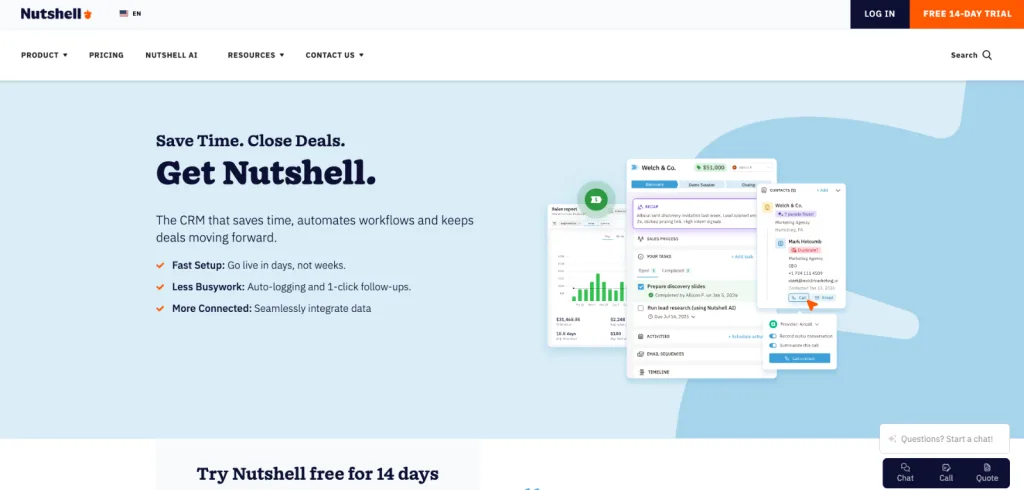
Nutshell’s CRM foundation includes contact management, email and calendar synchronization, customizable sales pipelines, and automated workflows that move deals forward without manual intervention. Nutshell expands beyond traditional sales CRM through built-in marketing tools—email marketing, landing pages, web forms, SMS campaigns, and marketing automation. The platform adds a communication layer through omni-channel engagement with tools like website chat, SMS messaging, an AI-powered chatbot, and connections to Facebook Messenger and Instagram. Beginners benefit from this consolidation because managing leads, nurturing contacts, and tracking every customer interaction happens within a single interface rather than across disconnected applications.
The platform leverages artificial intelligence throughout the experience. AI-driven features assist with lead research and scoring, call summarization, email composition suggestions, and even campaign recommendations. For first-time CRM users, these capabilities reduce the cognitive load of repetitive tasks and allow focus on relationship building rather than data entry.
Pricing: Nutshell offers five tiers of its CRM plan, starting at $13 per user per month on an annual plan or $19 per user per month on a monthly plan. All plans include unlimited contacts and storage as well as free live support. A 14-day free trial allows beginners to evaluate Nutshell’s fit before making a commitment.
SendPulse
SendPulse offers an approachable starting point for beginners who want a CRM that is easy to understand yet equipped with the core tools needed to manage leads, automate communication, and move deals through a pipeline. Because SendPulse incorporates CRM, email automation, and workflow tools in one cluster, beginners can learn foundational CRM practices within a contained, guided environment rather than stitching together separate apps.
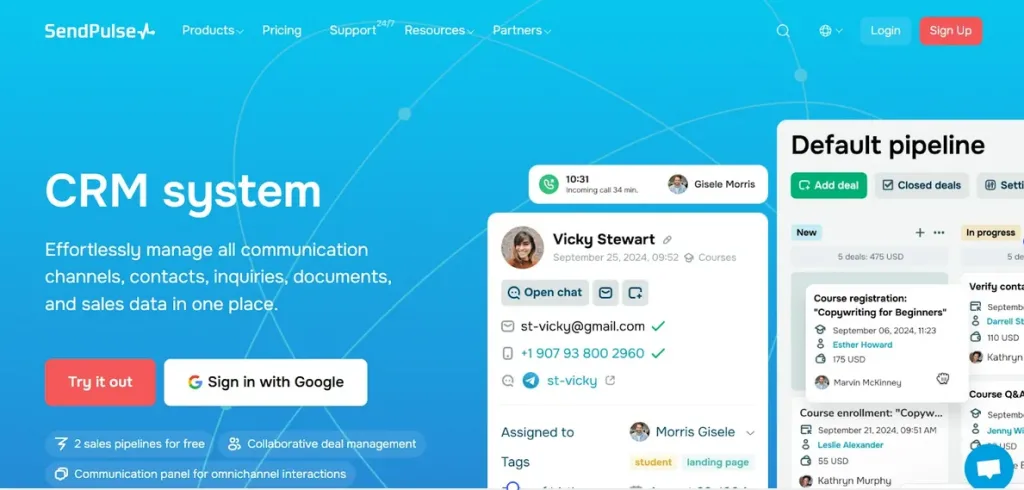
Working inside SendPulse as a first-time CRM user, you can store contacts, track interactions, create opportunities, and move deals from stage to stage. The CRM supports task and activity management, making it easier to remind yourself or teammates of deadlines, next steps, or follow-ups. Interaction tracking helps you understand what has already happened with each lead, while automation sequences let you activate simple workflows such as sending a follow-up email when a prospect replies or changes stages.
SendPulse also gives beginners access to landing form and page elements, which means you can start capturing leads more systematically rather than copying them manually from your inbox. Alerts and notifications reinforce good habits by notifying you of changes or pending steps. Because everything is streamlined, SendPulse reduces the risk of confusion and gives beginners a structured environment that teaches CRM discipline step by step. And if you outgrow the free tier, paid plans scale in a logical way that won’t punish you simply for getting organized.
Pricing: The platform offers a free plan covering account owner and 4 invited users, 2 sales pipelines/boards, and 1 GB storage, 5 automation flows, 1 event, and 50 elements in Automation 360. If you are interested in a paid plan, it will cost you from $8/month (paid annually) for 1 user/account, 2 sales pipelines, 8 flows, 5 events, 50 Automation 360 elements, 2 boards, 3 GB storage, 1 email inbox, 8 saved segments.
Brevo
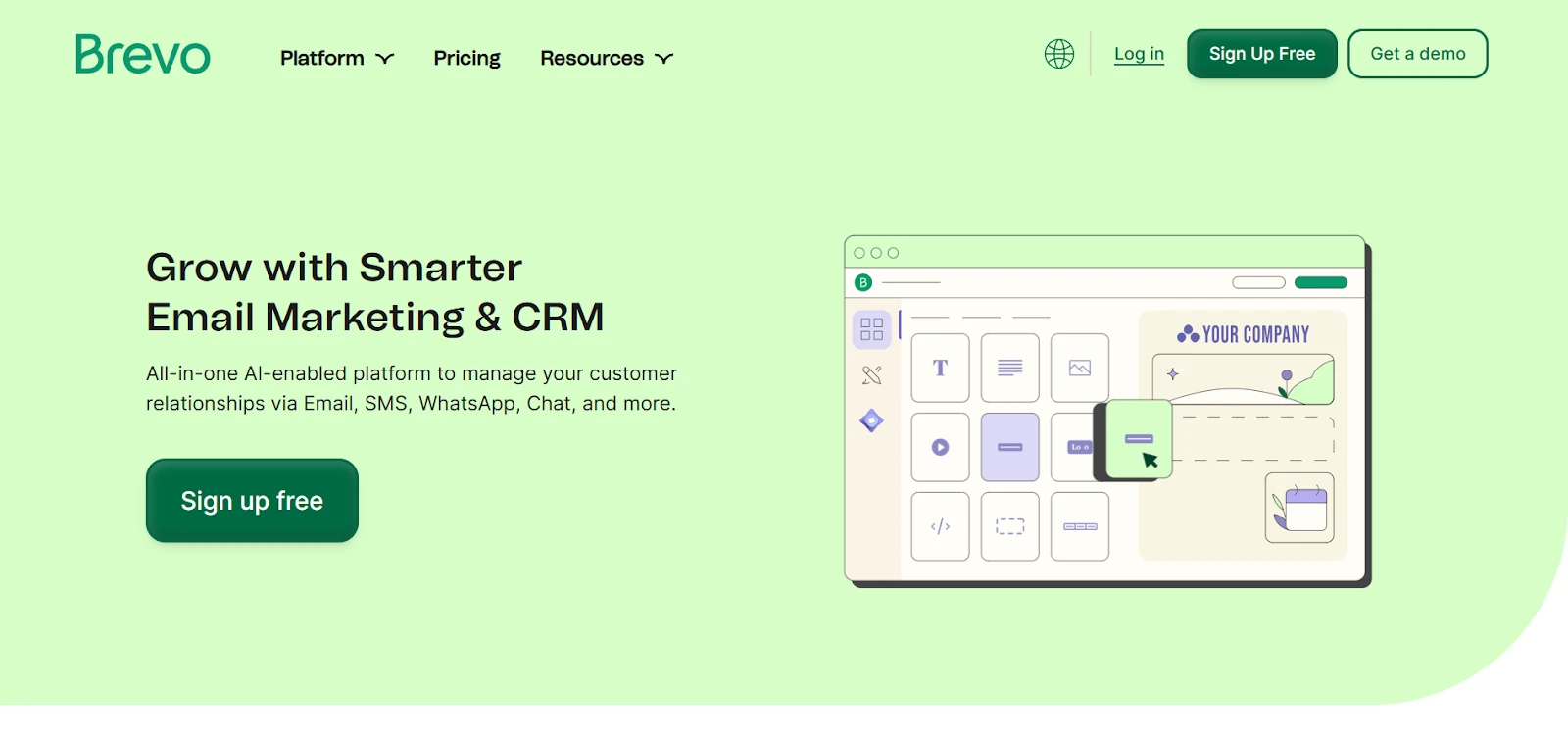
Brevo, formerly known as Sendinblue, serves as a marketing-forward CRM solution that can appeal to beginners who want both communication and basic sales features in the same place. For a beginner, this hybrid structure can be helpful if your first CRM goal is not purely sales-pipeline management but rather building relationships through email, SMS, chat, or multi-channel messaging. Brevo makes it possible to capture leads through built-in forms, organize contact records, and create automation workflows that nurture those contacts over time.

Where Brevo supports sales processes, it does so in a way that is easier for a beginner to grasp. It includes visual pipelines and deal tracking so you can follow opportunities from first touch to sale. Interaction tracking feels natural because the platform is communication-centric by design; your emails, messages, and contact history appear in one place, which eliminates guesswork when you return to a conversation.
Brevo offers follow-up automation and alert triggers, giving newcomers the chance to adopt automated habits earlier in their CRM journey. However, beginners should be aware that Brevo’s CRM strength follows its marketing logic. If your main objective is messaging plus basic deal tracking, Brevo can be a comfortable fit. If your primary goal is mastering structured sales workflows, other tools on this list may offer clearer pathways. For a mixed marketing-plus-sales approach, though, Brevo is a friendly and capable starting environment.
Pricing: Brevo provides users with a free plan which includes 50 open deals and one pipeline. The price for paid plans start at around $9/month for sales automation, unlimited deals and pipelines, unlimited connected calendars and mailboxes.
Mailchimp
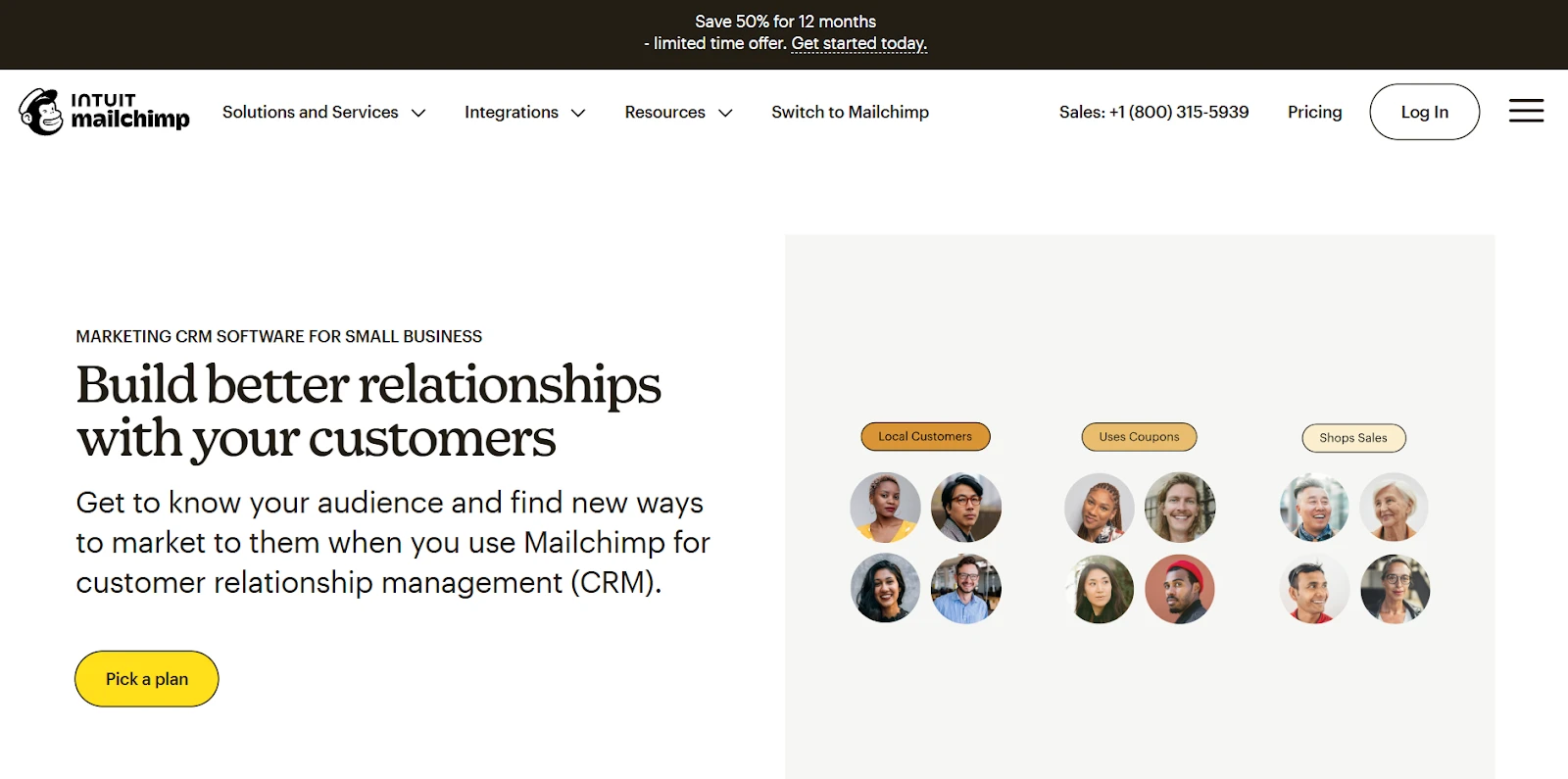
Mailchimp is a familiar brand for many beginners because it is often the first email marketing tool small businesses adopt. Like Brevo, Mailchimp has added CRM capabilities on top of its communication features. For this reason, Mailchimp can be a gentle entry point if you are already comfortable with campaigns and audiences and want to experiment with CRM concepts without switching platforms. However, because Mailchimp remains an email-first tool, its CRM layer is better suited for nurturing contacts than for rigorously managing sales opportunities.

As a learning environment, Mailchimp allows a beginner to organize leads, segment audiences, track interactions, and build automated email journeys. It also supports landing pages and website forms, which simplifies the early stages of lead capture. While Mailchimp does offer a pipeline component, it is not as extensive or central as in a dedicated sales CRM. Task tracking, activity management, and opportunity workflows are therefore present but less emphasized.
Beginners who choose Mailchimp should do so if they want to focus on nurturing, campaigns, and marketing automation first, with light CRM capabilities in the background. It is an excellent teacher of segmentation, messaging discipline, and email-based follow-up, but less ideal for learning day-to-day pipeline management. If you decide later to adopt a more sales-focused CRM, Mailchimp can still serve as your marketing layer.
Pricing: The free plan includes 1 seat and 500 contacts. To get a paid plan and less limitation, you’ll need to pay $13/month for 3 seats, 500 contacts, and 2 roles.
Pipedrive
Pipedrive is a strong choice for beginners who want to learn disciplined sales processes from the start. Pipedrive is built for sales clarity: every contact, activity, and deal is presented in a structured way that makes it easy to understand where each opportunity stands. For a beginner who wants to learn pipeline thinking, Pipedrive can be one of the most intuitive classroom environments because it reinforces habits such as assigning next steps, logging activity, and advancing deals through well-defined stages.

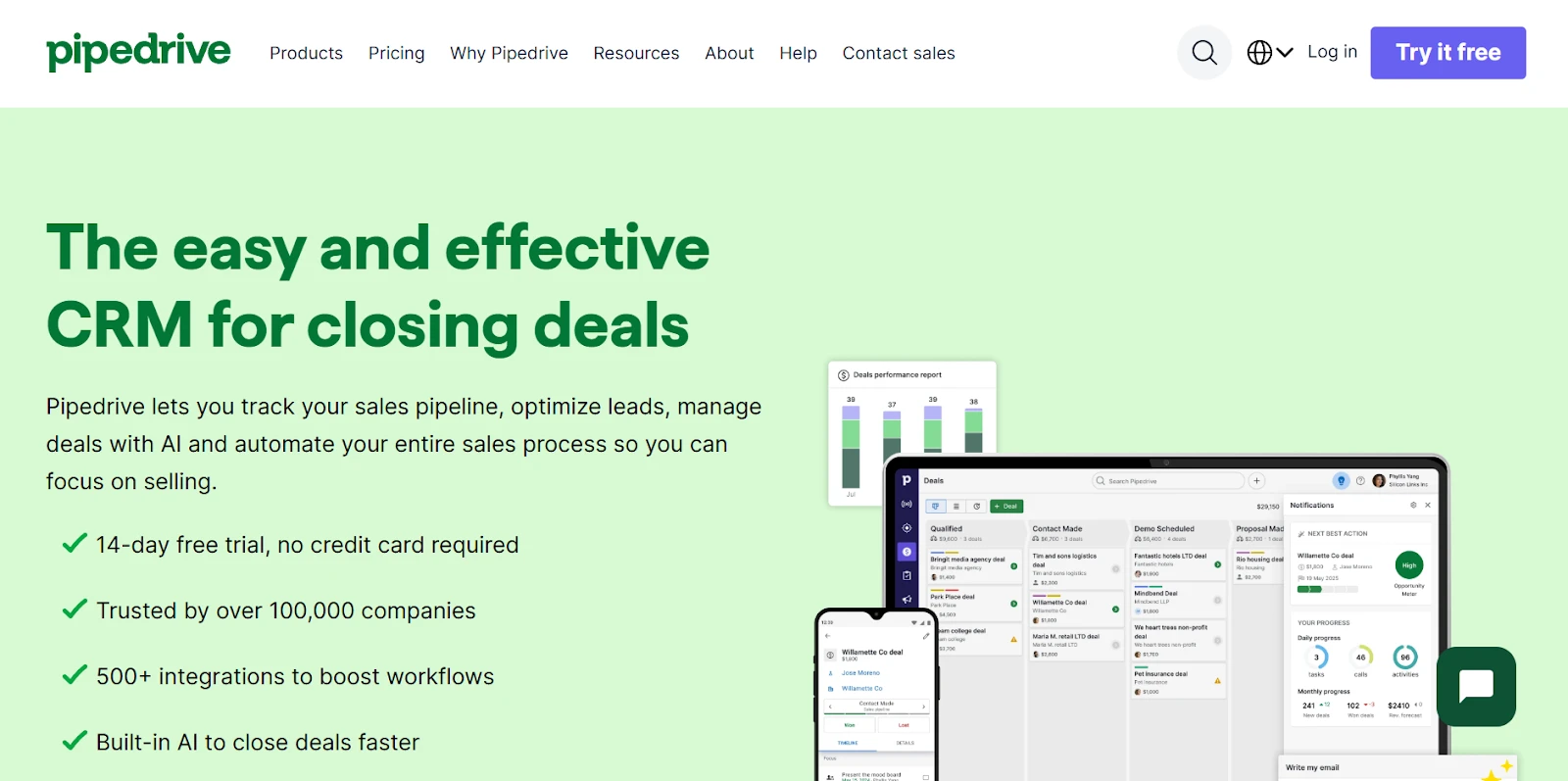
Because Pipedrive focuses deeply on sales behavior, it provides strong task and activity management, reliable email integration, and consistent interaction tracking. It also enables automation for repetitive steps, such as moving deals or scheduling reminders. Notifications help reinforce responsibility—an essential skill for anyone learning to manage multiple opportunities.
The limitation, from a beginner’s perspective, is that Pipedrive does not deliver much in terms of marketing tools, landing pages, or built-in web forms without add-ons. If your first CRM priority is mastering the sales process, Pipedrive offers one of the clearest and most supportive experiences. If you want to learn both sales and marketing workflows together, it may feel incomplete without pairing it with another tool.
Pricing: Although the platform doesn’t provide a free tier, it still allows you to test its functionality during its 14-day free trial and understand whether the tool suits you. The price for paid plans start from $14/month per seat for lead, calendar and pipeline management, AI-powered report creation, and real-time sales feed.
NetHunt CRM
NetHunt is a CRM designed specifically for Gmail users. Instead of asking you to adopt a new interface, NetHunt brings CRM functionality directly into your inbox. For beginners who already manage their customer interactions through Gmail and feel overwhelmed by switching between tools, this design can lower the barrier to CRM adoption. NetHunt offers contact management, pipelines, tasks, automation, and email-driven workflows, all from inside the familiar Gmail environment. This makes it easier for first-time CRM users to build consistent habits because they do not need to learn a completely new workspace.

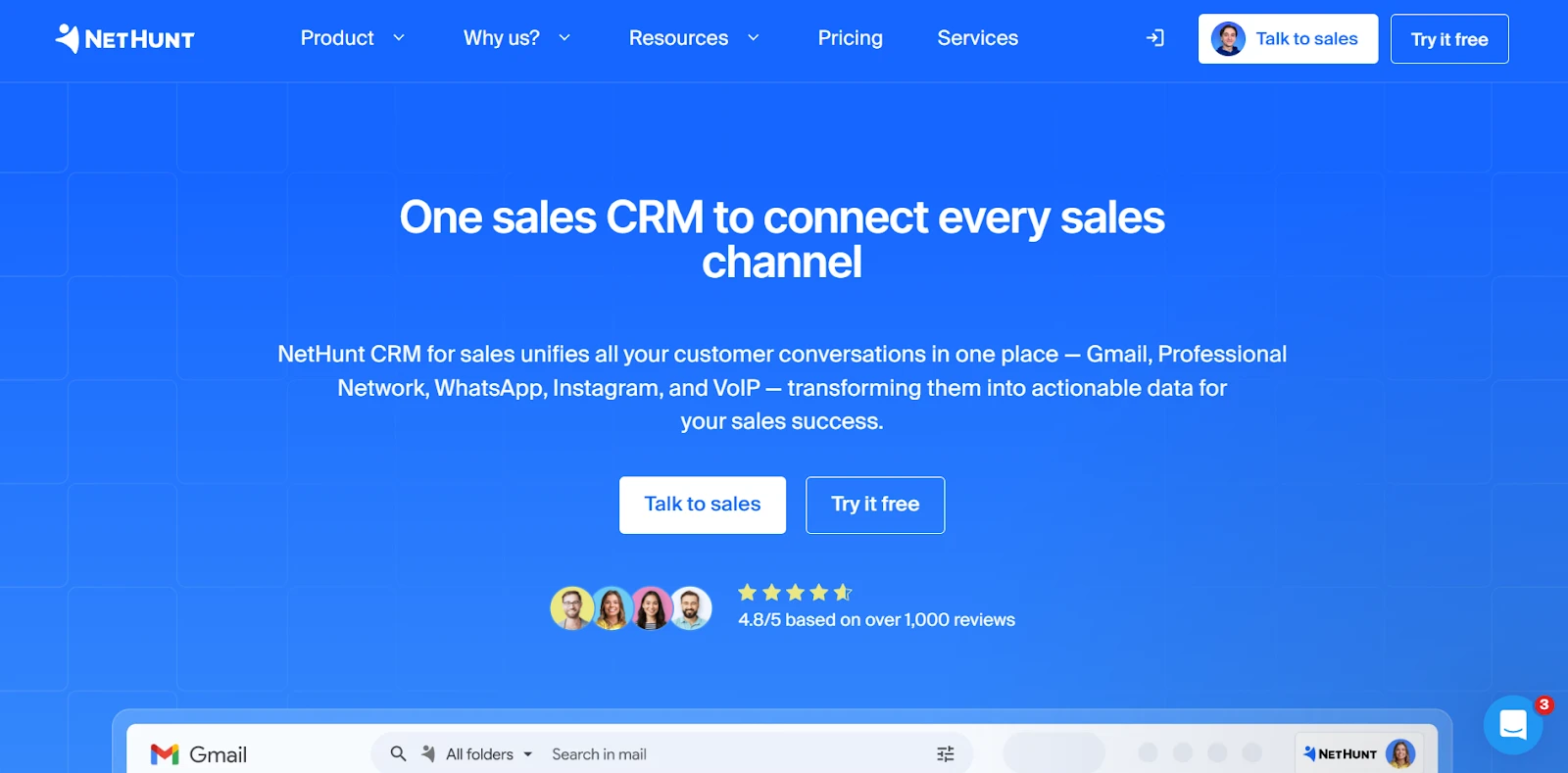
NetHunt allows users to track interactions through email threads, schedule follow-ups, and move deals through custom pipelines. It also offers automation features so that certain actions can trigger communication or record updates. Alerts and notifications feel natural in an email-based context, and the platform supports team collaboration for Gmail-centric organizations. However, its focus means it is best for those who want to learn CRM principles without leaving their inbox.
If your learning objectives include form building, landing pages, or dedicated marketing automation, NetHunt will require integrations or additional tools. If you want to stay in Gmail and gradually introduce CRM discipline, it can be an excellent training ground.
Pricing: Instead of a free plan, the platform offers a 14-day free trial. Those who are sure about their choice can purchase a paid plan. The cheapest paid plan will cost you from $30/month per user for leads & deals management, multiple pipelines, tasks, Google Workspace integration, and 1 messenger account.
Conclusion: A Practical Recommendation for Beginners
Each CRM covered here can serve as a useful starting point, but the right choice depends on your learning preferences and your business focus. Want to go deeper and integrate it with marketing channels? Check out this comparison of email marketing platforms to see which ones might fit your workflow. Mailchimp is ideal for beginners who want to start with marketing and automation, and Brevo suits those who want to combine multi-channel messaging with light sales workflows. NetHunt is best for Gmail-centric users who want to learn CRM principles without switching tools, while Pipedrive is the strongest entry point if you want to learn structured sales pipeline management from day one. All four can be valuable, depending on your immediate priorities, budget, and working style.
However, when the goal is to adopt your first CRM and grow confidently without confusion, SendPulse emerges as the most balanced and beginner-friendly foundation. It offers a real and useful free plan, an approachable interface, clear sales pipelines, built-in task and interaction tracking, meaningful automation, and the ability to grow without replacing your system. With SendPulse, beginners can learn not only how to organize leads and opportunities, but also how to automate communication, capture contacts systematically, and build accountability into their process. For these reasons, SendPulse stands out as the most practical and complete starting point for first-time CRM users who want results without complexity.